1. Graphic Learning Paths
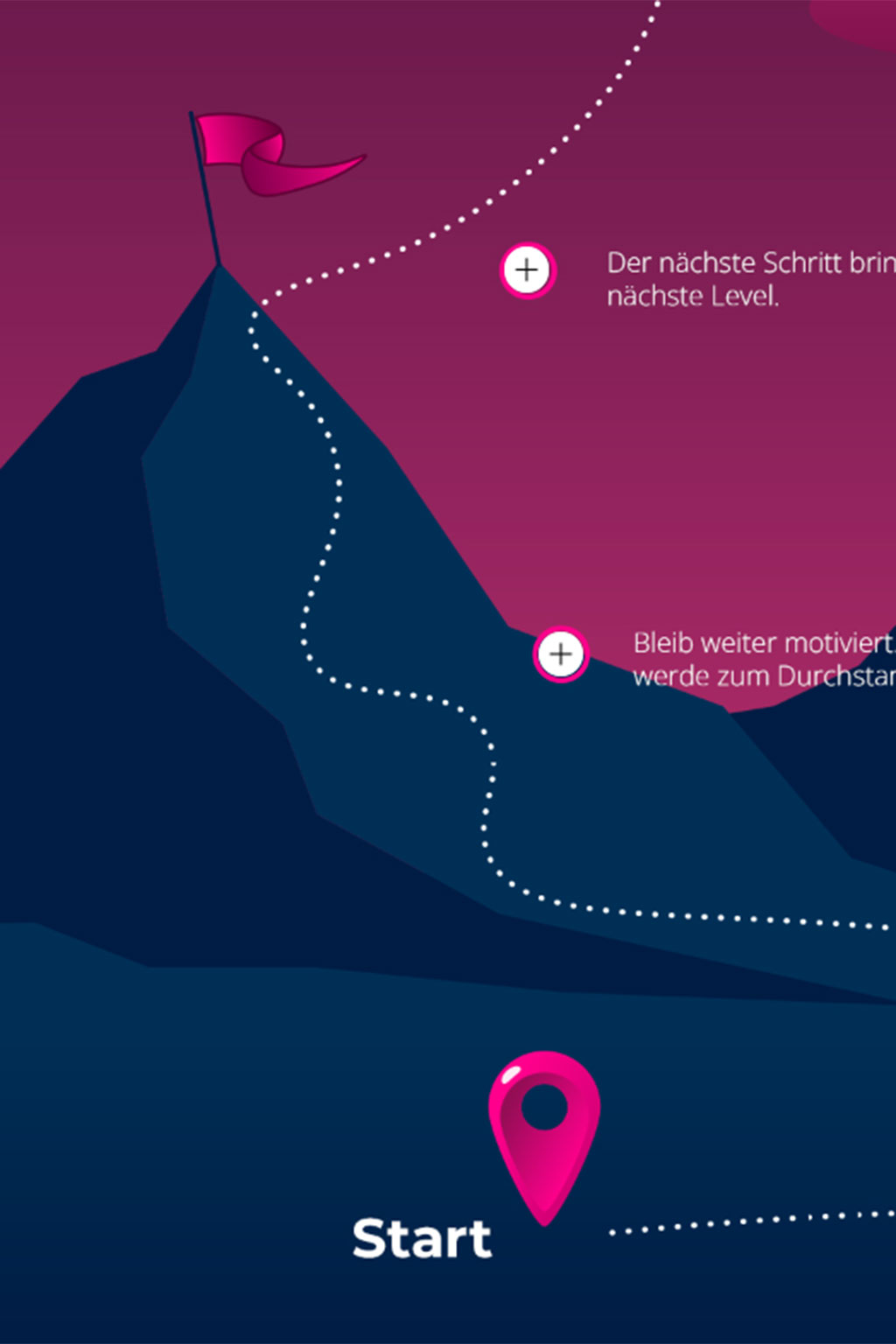
Our new graphical representation makes learning more visually engaging. Instead of following rigid structures, learners can navigate through content via clear learning paths.
Learning modules can be freely placed on any background and creatively connected to one another. This allows you to design visually appealing learning environments that guide learners intuitively through the content. From background images and tiles to hotspots, connecting lines, and clickable elements — you have full control over the structure and appearance of your learning paths.
Whether used for training courses, workshops, or complex learning journeys, this feature offers maximum design flexibility while enabling the creation of an intuitive, visually compelling learning experience that brings content to life.
2. AI: Learning Buddy
An AI-powered learning assistant that supports learners 24/7. The Learning Buddy helps users better understand learning content by providing clear, contextual, and relevant answers directly within the LMS.
The Learning Buddy enables learners to ask targeted questions about their learning materials and quickly access the information they need. Instead of searching through multiple modules or documents, learners receive precise answers based solely on the content they are authorized to access. This ensures that responses are always relevant, accurate, and aligned with the learner’s individual context.
Learners can ask questions about a wide range of content types, including courses (WBTs), text pages, videos (MP4), audio files (MP3), and PDF documents. The Learning Buddy is automatically populated with the specific content of each course, allowing it to deliver content-related and helpful responses. When appropriate, it can also link directly to the relevant learning unit, enabling learners to dive deeper into the subject matter on demand.
The Learning Buddy continuously learns from the learning content directly. Names, descriptions, and content from learning units — including PDFs, text pages, audio, and video files — are automatically captured as soon as AI features are activated. Administrators can further enhance response quality by uploading additional documents to courses. Whenever learning content is created or updated, the Learning Buddy is automatically supplied with the latest information, ensuring up-to-date and reliable support at all times.
With the Learning Buddy, learning becomes more intuitive, efficient, and accessible — providing learners with intelligent assistance when they need it most.
3. nectar Authoring Tool
The nectar Authoring Tool is an optional, seamlessly integrated authoring solution within nectar LMS that enables the creation of high-quality e-learning content directly inside the platform.
With a wide range of design options, authors can create customized web-based training courses (WBTs) without the need for external tools. Content can be built using structured text elements, images from the central media pool, and interactive test questions such as single and multiple choice formats with immediate feedback. Videos and podcasts can also be embedded, including learning progress tracking and automatic subtitle generation.
For maximum flexibility, courses can be exported as SCORM files and used across different systems. The nectar Authoring Tool is fully compatible with SCORM standards, ensuring reliable learning progress tracking. During course creation, a preview function allows authors to review content instantly, while direct use within the LMS eliminates the need for separate SCORM uploads.
The tool also supports collaborative content creation, making it easy for teams to work together on courses. In addition, multilingual support ensures that learning content can be delivered consistently across different languages and regions.
By integrating content authoring directly into the LMS, the nectar Authoring Tool streamlines content creation and management — making it faster, more efficient, and more flexible.
4. Whiteboard
The interactive whiteboard is an optional feature within nectar LMS that enables teams and learners to develop, share, and visualize ideas together — directly inside the platform.
As an interactive workspace, whiteboards are ideal for real-time collaboration. Multiple users can work on the same board simultaneously, making it perfect for workshops, training sessions, brainstorming activities, or collaborative learning scenarios. Users can write notes, create mind maps, and visually structure concepts in a clear and intuitive way.
Whiteboards also give users the chance to share images, documents, and links, bringing all relevant materials together in one central space. All user roles — from learners to administrators — can create whiteboards and invite others to collaborate, ensuring flexible and inclusive teamwork.
All content is saved automatically and can be exported as PDF or PNG files, making it easy to document results, share outcomes, or reuse content outside the LMS.
5. Offline Function
This function in nectar LMS ensures that learning continues even without an active internet connection. Learners can download selected web-based training courses (WBTs) in advance and access them offline whenever needed.
Once these courses have been downloaded, learners can continue their training without interruption and make progress regardless of their location or connectivity. All progress is stored locally and automatically synchronized as soon as an internet connection is restored, ensuring that learning data remains complete and up to date.
The offline function is powered by a Progressive Web App (PWA), enabling seamless offline access directly via the browser. Installation is quick and simple, without the need for an app store, and works across common browsers such as Chrome, Edge, and Safari. This makes the offline feature especially suitable for mobile use on smartphones and tablets, as well as for learning on the go.
With the offline function in the nectar LMS, learning becomes more flexible, reliable, and independent of network availability — ensuring uninterrupted access to content anytime, anywhere.
Conclusion
With the new features introduced in 2025, nectar LMS continues to evolve into an even more flexible, intuitive, and powerful learning platform. From visually guided learning paths and intelligent AI support to integrated content creation, collaborative tools, and offline access, each enhancement is designed to improve both the learning experience and administrative efficiency.
These updates empower organizations to create engaging learning environments, support learners more effectively, and adapt learning to real-world conditions — whether online, offline, individual, or collaborative.
Together, these new features mark another step toward making learning more accessible, interactive, and future-ready.